
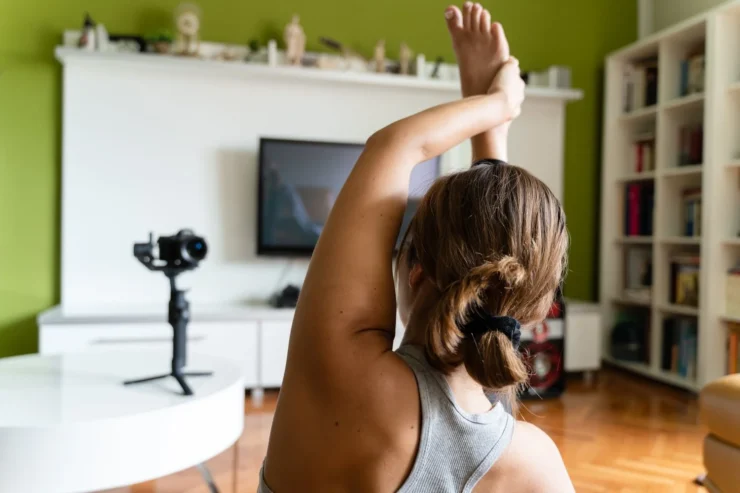
If you have ever tried to build workouts from scattered videos, folders, or saved links, you already know how quickly things become messy. A well-structured exercise video library platform changes that completely. It becomes your central system where every movement, variation, and coaching cue lives in one place.
Modern platforms are not just storage. They are designed to help you organize, find, and build sessions faster, whether you are coaching one client or running an entire gym. With libraries now containing hundreds or even thousands of exercises, the real value comes from how quickly you can access and use them, not just how many videos you have .
Why a Structured Video Library Changes Everything
Before diving into features, it helps to step back and look at the real impact. A structured exercise video library is not just about convenience. It directly affects how efficiently you coach and how clearly your clients follow along.
Think about a typical coaching workflow. Without a proper system, you are jumping between tools, rewriting programs, or explaining exercises repeatedly. With a library, everything becomes consistent and repeatable.
When platforms combine video demonstrations with searchable databases and filters, coaches can build programs in minutes instead of hours. One such tool that frees up time to focus on coaching is Fit Viz.
Instead of treating content and delivery as separate pieces, it brings everything into one streamlined environment where sessions can be built, displayed, and delivered without friction.
Uploading and Organizing Your Own Exercise Content
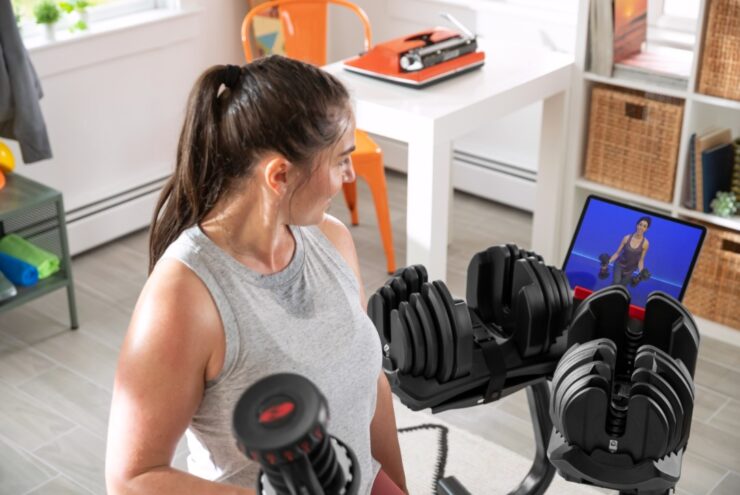
Most platforms today give you two options. You can use a pre-built library or upload your own content. The real power comes when you combine both.
Uploading your own exercises allows you to:
- Match your coaching style and methodology
- Include specific cues or variations you teach
- Build a unique, branded experience
Many systems now support custom exercise uploads alongside large pre-built libraries, so you are not starting from scratch. This hybrid approach gives you speed and flexibility at the same time.
That structure is what leads directly into tagging.
Smart Tagging for Fast Workflow
Tagging is where a video library becomes truly useful. Without it, you are just scrolling through content. With it, you are building sessions in seconds.
At its core, tagging means attaching useful data to each exercise, such as:
- Muscle group
- Equipment type
- Movement pattern
- Difficulty level
- Training goal
Advanced systems take this further by allowing filtering and search across all of these categories. This is why platforms that include smart search and filtering tools dramatically speed up program creation.
Here is how tagging translates into real use:
[su_table responsive=”yes”]
| Without Tagging | With Tagging |
| Scroll through videos | Search instantly |
| Rebuild workouts manually | Reuse structured blocks |
| Inconsistent programming | Standardized sessions |
[/su_table]
Once tagging is in place, everything else becomes faster and more consistent.
Building Sessions Quickly Without Losing Quality
This is where everything connects. Uploading gives you control. Tagging gives you structure. Session building is where you feel the benefit.
Modern platforms now include drag-and-drop workout builders, allowing you to assemble sessions visually and intuitively . Instead of writing programs line by line, you are selecting and arranging exercises in a workflow that feels natural.
A well-designed system typically allows you to:
- Search and insert exercises instantly
- Save templates for repeated use
- Adjust sets, reps, and timing quickly
- Rebuild sessions in seconds
Some platforms even enable full workout creation in under ten minutes when the system is optimized properly .
The key here is not just speed. It is maintaining quality while scaling your output.
What Actually Makes a Platform Efficient
Not all exercise video library platforms are built the same. The difference is not in how many videos they have, but in how usable they are day to day.
Here are the features that make a real difference:
- Fast loading, high-quality videos
- Consistent formatting across exercises
- Flexible tagging and filtering
- Easy upload and editing tools
- Seamless session builder integration
The more structured and consistent your system is, the less time you spend thinking about logistics and the more time you spend coaching.
Bringing It All Together
An exercise video library platform is not just a content hub. It is the foundation of how you deliver workouts, communicate with clients, and scale your coaching.
When uploading, tagging, and session building are connected in one system, everything becomes smoother. You stop repeating work. You stop searching for content. You start building with clarity and speed.
And that is really the goal. Not more features, not more videos, but less friction in how you create and deliver workouts.
Faqs
How long does it take to build a full exercise library from scratch?
It depends on your approach. If you film everything yourself, it can take weeks or even months.
Many coaches avoid this by starting with a ready-made library. These can include hundreds or even thousands of exercises. Then they add their own videos over time.
Do I really need my own videos, or is a pre-built library enough?
A pre-built library is often enough to get started. Many platforms already include large collections of exercises with clear demonstrations and instructions.
What happens if my library gets too big to manage?
Modern platforms solve this with filters and categories. You can search by muscle group, equipment, or movement type. Some systems even offer real-time search and fast filtering so you can find exercises instantly.
Can clients actually follow video-based workouts on their own?
Yes, if the videos are clear and consistent. High-quality exercise videos help clients understand form and movement better. Many platforms include step-by-step instructions along with the video.
How do these platforms handle different training styles?
Most platforms are flexible. You can create your own categories, tags, and exercise types. This means you can build systems for strength training, rehab, group fitness, or sport-specific work.
Is this only useful for online coaching?
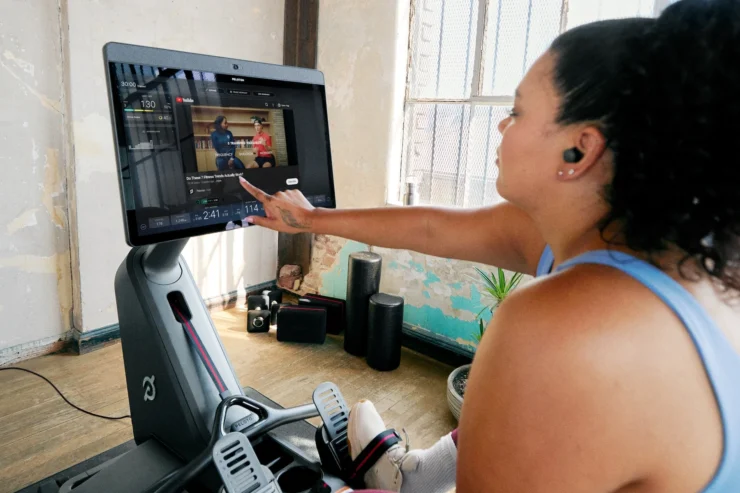
No. These systems work just as well in physical gyms. Many gyms use exercise libraries on screens or tablets. Coaches use them during classes or for member guidance.