
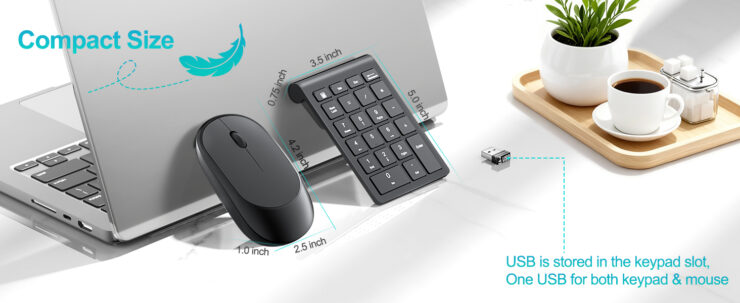
Spreadsheets may look calm on the surface, but anyone working in accounting or financial analysis knows how intense laptop-based work can get. Long hours, repetitive number entry, constant switching between tools, and the pressure of accuracy all put strain on both focus and workflow. The right laptop gadgets quietly remove friction from daily tasks, shaving minutes off routine work and reducing mental fatigue over time.
This guide focuses on practical, desk-friendly tools that support precision, speed, and comfort. Every option here earns its place by solving a real problem accountants and finance analysts deal with daily, not by adding unnecessary tech noise.
1. Wireless Numeric Keypad for Fast Data Entry
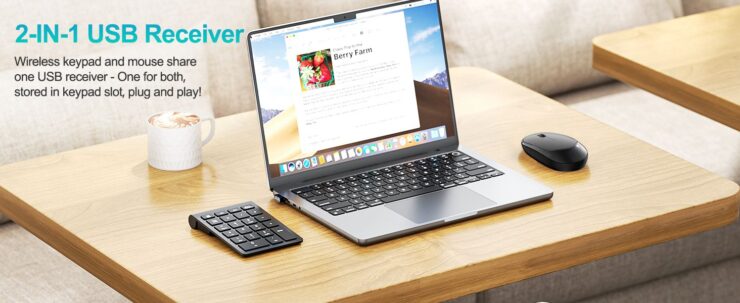
Plugging numbers into spreadsheets feels smoother when the layout mirrors a full keyboard numeric pad. A dedicated pad alone frees your fingers and eyes from awkward laptop key combos.
This setup works great with a dedicated unit like the Lekvey wireless number pad and mouse combo. It connects via 2.4G USB and puts a numeric keypad and compact mouse at your fingertips with one receiver. For accountants and analysts, having the dedicated number keys at the ready makes entering long columns of figures much more efficient — especially during reconciliations or data processing.
Key specifics:
- wireless 2.4G USB plug-and-play
- portable and lightweight for travel
- low-profile keys for spreadsheet accuracy
- USB dongle connects both mouse and pad
This keypad helps turn your laptop into a more desktop-friendly data input tool without carrying a full keyboard. Where to get it: https://www.amazon.com/dp/B0GF2ZF98W?th=1
2. Spigen Adjustable Laptop Stand – With Cable Management
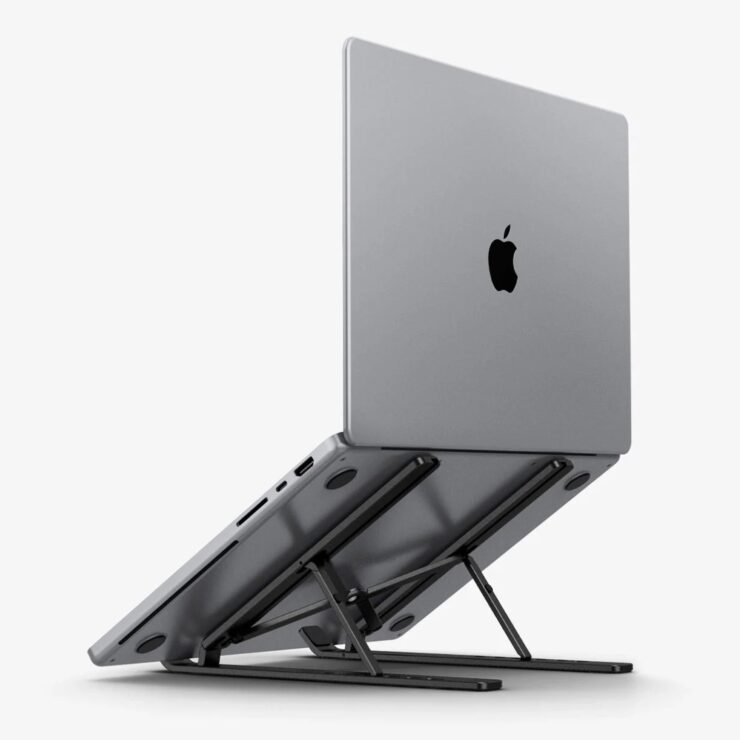
Raising your screen closer to eye level is one of the simplest ways to reduce neck strain and improve posture during long analysis sessions. A stand with built-in cable management keeps power and peripheral cables neat while elevating your laptop for better viewing.
Key specifics:
- adjustable viewing angle
- built-in cable organizer
- wide compatibility with laptops from 11 to 17″
- lightweight and portable design
With a stable base and space to route cables, this stand turns your workspace into a cleaner, more ergonomic setup that supports focus through long days.
3. InnoView 15.6″ Portable Monitor – for Expanded Screen Space
When you juggle multiple spreadsheets, reports, and data dashboards, a second screen amplifies productivity dramatically. Portable USB-C or HDMI monitors plug into your laptop and expand your workspace easily.
Key specifics:
- 15.6″ IPS display
- 1080p Full HD resolution
- USB-C and HDMI connectivity
lightweight design with smart cover
A second screen helps you keep reference materials, financial reports, and real-time dashboards visible side-by-side, cutting down on window switching and eye strain.
4. Logitech MX Master Wireless Ergonomic Mouse
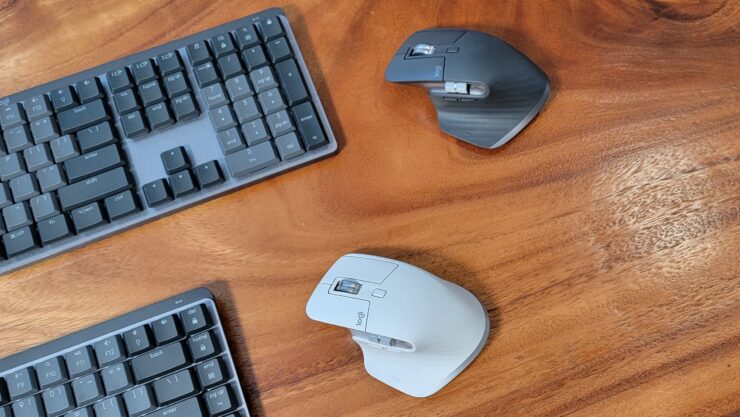
Precision matters when selecting cells, dragging formulas, or interacting with dense data interfaces. A well-shaped ergonomic mouse keeps your hand in a natural posture and improves control.
Key specifics:
- advanced haptic scrolling
- rechargeable via USB-C
- multi-device Bluetooth support
- customizable buttons for workflow shortcuts
A quality ergonomic mouse supports your wrists and hands, reducing fatigue during extended use.
5. USB-C Hub – With HDMI and Data Expansion
Modern laptops often skimp on ports, but a USB-C hub gives you extra USB-A ports, HDMI for monitors, SD card readers, and power pass-through. It’s essentially an efficient workspace bridge so you don’t compromise connectivity.
Typical specs:
- USB-C to HDMI output for monitor
- multiple USB-A and USB-C slots
- PD power delivery
- plug-and-play design
These hubs let you seamlessly connect your external screen, keyboard, mouse, and other peripherals without juggling adapters, turning one laptop port into a full workstation suite.
6. Privacy Screen Filter – to Protect Sensitive Data
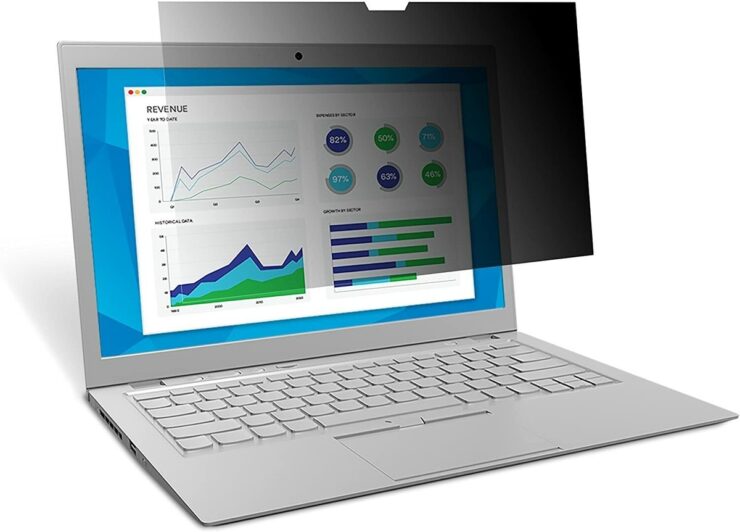
Finance professionals commonly work with confidential financials that shouldn’t be visible to others nearby. A privacy screen filter attaches to your display and narrows the viewing angle so only you see the contents straight on.
Key specifics:
- limits side-angle viewing
- anti-glare coating
- easy attachment and removal
This accessory is especially valuable in coworking spaces or open offices where data privacy matters.
7. Portable SSD USB-C – for Fast, Secure File Storage
Large files, backups, and archived financial data benefit from fast, reliable storage that travels with you. Portable SSDs are rugged, fast, and quieter than spinning drives.
Typical specs:
- USB-C interface for fast transfer
- durable, small form factor
- high read/write speeds
For finance work, these drives make storing encrypted backups or transferring datasets between machines faster and safer.
8. Adjustable Desk Lamp LED – Adjustable Brightness
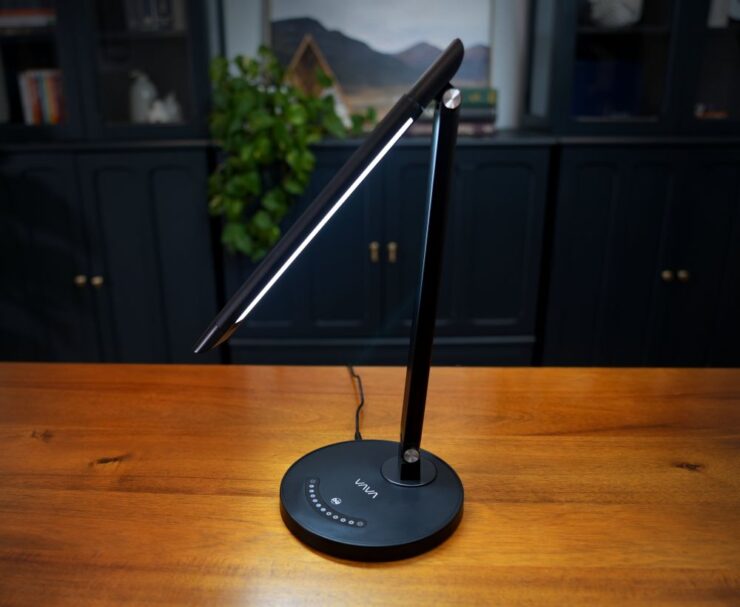
Harsh lighting or dim glare can make reading dense spreadsheets tiring. A desk lamp with adjustable brightness and color temperature helps reduce eye strain and tailor your lighting to your task.
Key specifics:
- adjustable brightness
- color temperature control
- LED panel
- flexible arm
Proper lighting keeps your eyes comfortable and your focus sharp during long review sessions.
9. Cable Management Kit to Keep Desk Tidy
A clean desk helps reduce mental clutter and saves time when unplugging or rearranging peripherals. Simple cable organizers – like clips, sleeves, or trays keep your cords neat and accessible.
Typical contents:
- cable clips
- cable sleeves
- under-desk trays
Clutter-free cables make switching between home and office setups smoother.
10. Anker 2.4G wireless ergonomic vertical mouse – for Wrist Comfort
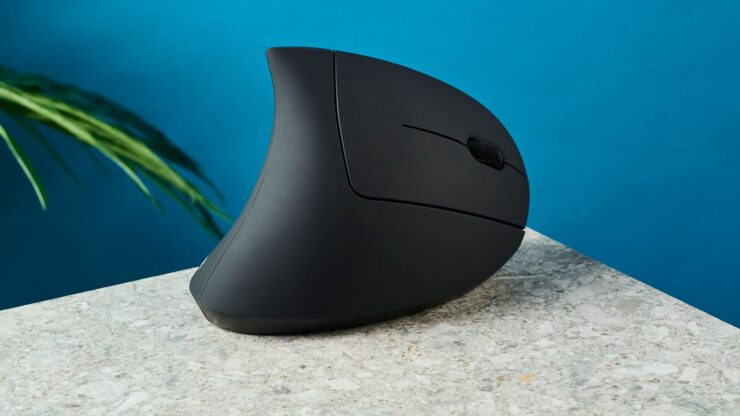
Alternative to a standard mouse, a vertical ergonomic mouse tilts your hand into a more natural handshake posture, reducing wrist strain.
Key specifics:
- vertical design
- adjustable DPI
- wireless USB connection
- comfortable grip
These mice help prevent repetitive strain when you spend long hours interacting with spreadsheets and financial tools.
How to choose laptop gadgets for finance-heavy work
Finance professionals benefit most from gadgets that improve input accuracy, screen readability, posture, and task switching.
Look for accessories that:
- Reduce repetitive strain during long data-entry sessions
- Improve visibility when working with dense tables and reports
- Save time during frequent transitions between software tools
- Travel easily between home, office, and client locations
With that foundation in mind, the list below breaks down the most useful laptop gadgets, starting with one that almost every accountant ends up needing sooner or later.
Building a smarter finance workstation
Laptop gadgets for accountants and finance analysts work best when they quietly support the job rather than demanding attention. The most effective tools reduce friction, protect focus, and support accuracy over long hours of detail-heavy work.
Building the right setup does not require buying everything at once. Starting with essentials like a wireless numeric keypad, ergonomic input devices, and proper screen alignment delivers immediate value. From there, adding tools that support privacy, connectivity, and organization creates a workstation that feels efficient rather than exhausting.
Over time, these small upgrades compound into better posture, faster workflows, and fewer distractions, all of which matter when precision and consistency define the workday.